
Assess Google Search
Get a verdict, scorecard and campaign shape based on the business and site. See the assessment
Home/Paid ads/Google Ads MCP for Coding Agents, Spend on Approval
Tin's Google Ads MCP connection puts the ad account beside your site's repository, so the coding agent can check pages and tracking before launch. Budget and bidding changes wait for approval. Our paid ad consultants can take on the campaigns and the pages behind them.

A Google Ads MCP server makes an ad account's reports and settings available as tools an AI agent can call. MCP connects the agent to those outside tools while it works in Claude Code, Codex or Cursor. The agent can then answer a campaign question from the ads, search terms and spending it reads. Each server defines which account changes it allows and which other systems the agent can reach.
An exported report suits a question about a particular campaign. A server exposing account tools supports campaign questions in plain language. Tin places the account beside keyword data and the site's repository, with jobs that assess, plan, launch and monitor Google Search campaigns. Compare who approves budget changes and whether the landing page and conversion tag can be fixed where the agent works on the ads.
An agent changes the campaign while the landing page and its conversion tracking remain outside the account it can see.
Access to the repository lets the agent inspect the landing page and conversion event before launch.
Before it drafts a campaign, Tin checks whether the account can launch and the site can record the response.
Tin checks the manager link, billing, landing page and a conversion action that records data. The plan follows those checks. If the account has no recording conversion event, the agent can inspect the site code and propose tracking work before the campaign starts.

If conversions are not being recorded, Tin pauses the launch and offers a tracking setup. With GitHub connected, that includes a pull request to add the site tag. The proposed code change gives the engineer a specific fix to inspect before running the launch again.
The plan includes ad groups, exact and phrase keywords, headlines, descriptions, sitelinks, negatives, budget and a click ceiling. It is saved under ads/google in project Files. Once approved, Tin creates that campaign in a validated request to the company's own Google Ads account.
The monitor reads performance and search terms, adding negative keywords up to the limit set for each run. It can pause disapproved ads and wasteful keywords. Because the agent can read the product code, it has context for judging an unfamiliar search term against what the company sells.
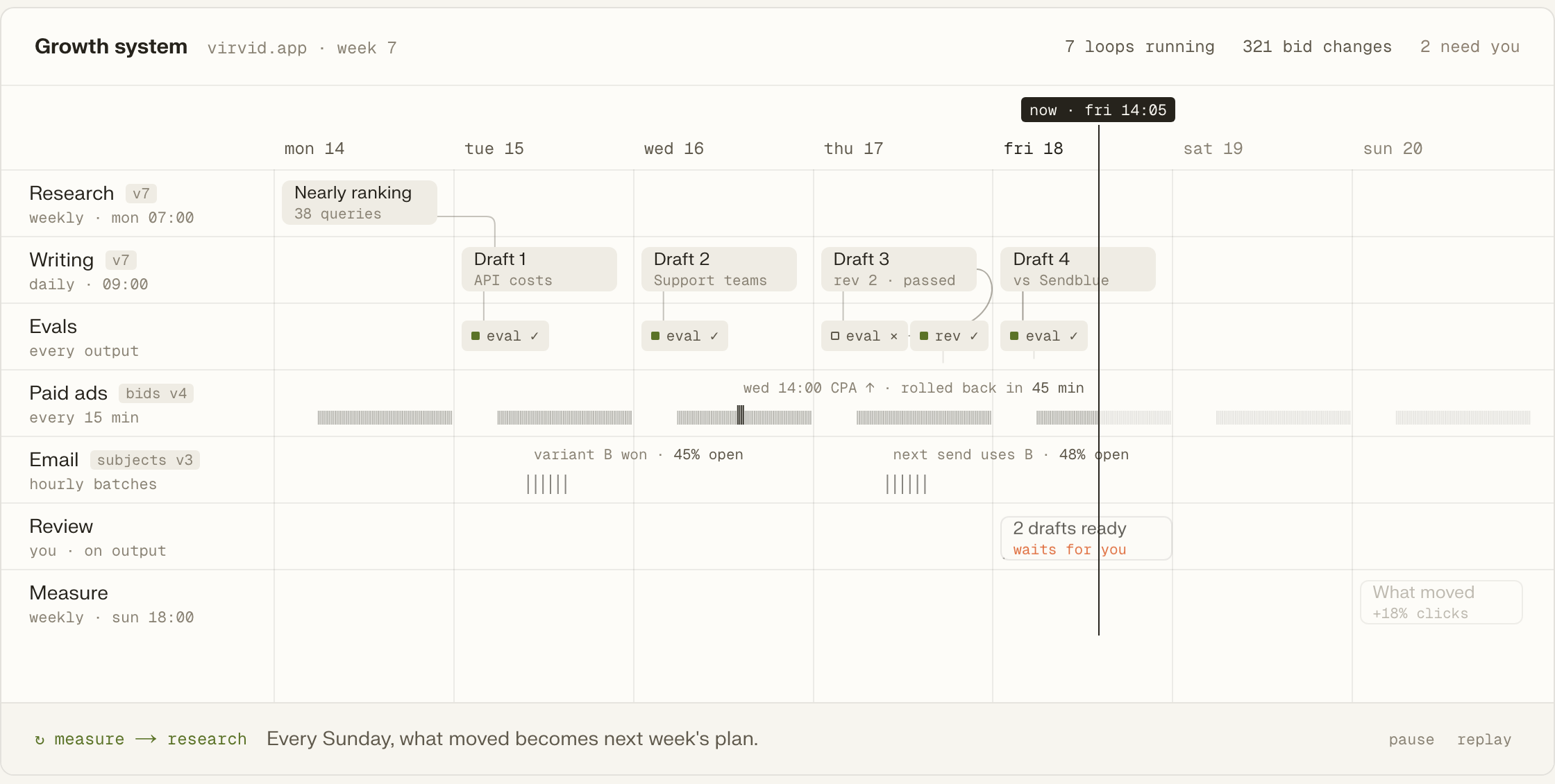
A suggested budget or bidding change arrives as a proposal. Tin waits for approval before applying it, while the current settings remain in place. Discard the proposal and those settings stay as they were. Open the report under ads/google to read what the monitor found and which changes it proposed.
Get a verdict, scorecard and campaign shape based on the business and site. See the assessment
Create the exact Google Search plan in the company's own ad account. See campaign launch
Read search terms and prepare budget proposals while handling the permitted cleanup. See campaign check-ups
Build a buyer-search inventory with evidence for the campaign's keyword choices. See keyword research
Check technical SEO and AI visibility on the site receiving paid visits. See the site audit
Read completed runs and open items before choosing the next campaign task. See project summaries
The assessment can start with a public site and a measurable action. An ad account is needed when the work reaches launch.
Add Tin to Codex, then ask whether Google Search fits the business; the assessment gives advice without changing an account.
codex mcp add tin --url https://app.tin.computer/mcpEnter the customer ID and accept Tin's manager invitation in Google Ads to launch the approved plan.
We run Google, Bing and LinkedIn ads, build the landing pages and tune budgets each week.
The paid ads assessment and campaign launch steps are text in the repo.
Connect your own Google Ads account and run the checks on your schedule.
Change a campaign rule in the file and return it as a pull request.
We can discuss the campaign, landing page and tracking work our paid ad consultants would run, including Google, Bing, LinkedIn and remarketing. They plan the searches and tune the budget each week.
You enter the customer ID and accept an invitation from Tin's manager account inside Google Ads. The campaign is then created in your company's account after the exact plan is approved. The connection lets the launch check billing and tracking before creating that campaign.
Missing conversion tracking blocks the launch. Tin offers a tracking setup for approval first, including a site-tag pull request when GitHub is connected. Once the conversion action records data, the launch can run again against the account and the page with tracking in place.
The assessment and campaign-launch jobs cover Google Search. Our paid ad consultants also run Bing and LinkedIn ads as part of the service. We can discuss those channels with the landing pages and tracking they need, then decide which campaign work to take on.
Choose an on-demand, daily or weekly check once the campaign launched through Tin is live. Each run reads performance and search terms and leaves a report under ads/google. The schedule controls when the check runs; a proposed budget or bidding change still needs approval.
Talk with the founders and engineers who run the experiments, with paid ad consultants on the team. We can discuss whether your site supports a useful Google Search test and which searches would give it a starting point.