
Find buyer searches
The keyword plan supplies researched phrases for the campaign's initial ad groups. See workflows
Home/Platform/Google Ads Agent That Launches Only on Your Yes
Tin is a Google Ads agent for B2B startups: it assesses search ads, drafts the campaign and launches after approval. Our paid ad consultants and engineers set it up in your own Google Ads account. They also look after the scheduled checks once the campaign is running.
A Google Ads agent is AI software that drafts search campaigns, reads search terms and proposes changes inside an advertising account. It handles recurring work such as adding negative keywords and pausing disapproved ads, as well as preparing the campaign before launch. These jobs connect what people search for with the ads they see and the action they take on the landing page.
You can manage the account by hand, give an AI tool access, or have a team run an agent through a fixed routine. Compare who reads the search terms after launch and who decides when spending changes. With Tin, our people look after that routine: assess the opportunity, check the account, prepare the campaign and check its performance on a schedule.
Once a campaign is running, leaving the search terms unread can mean paying again for clicks the company did not want.
Scheduled check-ups bring the search terms, conversion records and ad status back into view.
The routine begins before an ad account spends anything. We use the assessment to decide whether to proceed, then work through tracking, the campaign plan and ongoing checks.
Assess
The assessment asks whether the business economics and buyer searches support paid search. It reads the site and keyword evidence, then records a verdict, the deciding constraint and a scorecard. A rough campaign shape accompanies the verdict. The assessment advises on the opportunity without spending in the ad account.
The launch workflow checks the manager link, billing, landing page and a conversion action that records data. If tracking is missing, it offers tracking setup first. With GitHub connected, that includes a pull request adding the site tag, so the campaign can measure what follows a click.

The draft contains the ad groups, exact and phrase keywords, headlines, descriptions and sitelinks. Negative keywords, a budget and a click ceiling sit in the same plan. It uses no broad match keywords. The team can read the whole plan under ads/google in project Files before the campaign is created.
You review the exact campaign plan before anything reaches Google Ads. Once you approve, the workflow creates the campaign in your own account through one validated request. Later proposals that change the budget or bidding also wait for your decision, keeping spending decisions with the company.
Each run reads performance and search terms, adds negatives up to its limit, and pauses disapproved ads or wasteful keywords. It saves a daily report and proposes bid or budget changes. We used a stop rule on our own product: the agent paused a capped Google Search test after spending brought no qualified signups.
The keyword plan supplies researched phrases for the campaign's initial ad groups. See workflows
The growth plan gives the assessment company context and economics from the codebase. See workflows
The technical SEO and AI visibility audit supplies findings about the site ads would send buyers to. See workflows
The paid ads assessment returns the verdict and rough campaign shape before launch. See workflows
Campaign check-ups examine the terms that drew clicks after the ads went live. See workflows
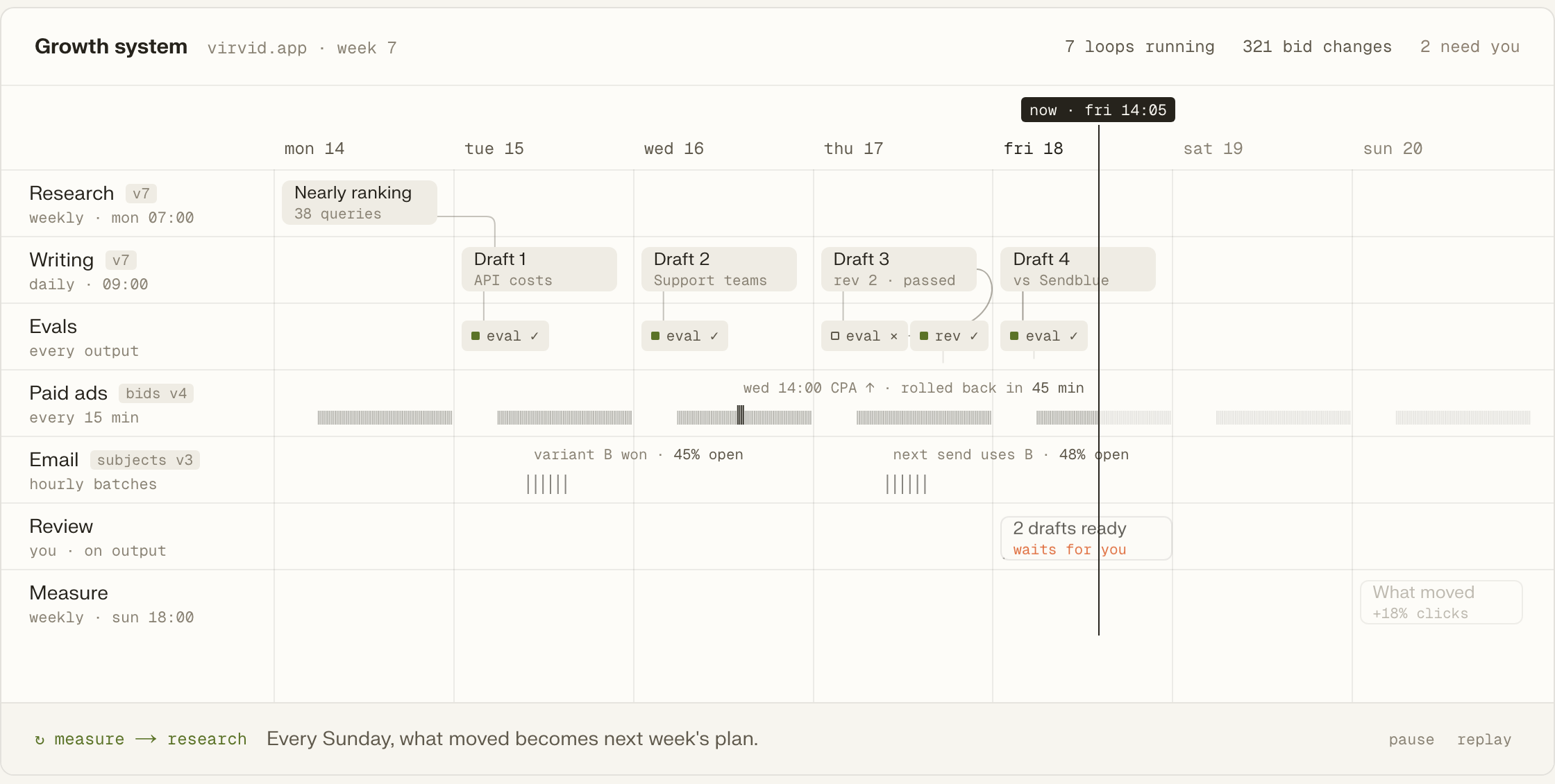
Campaign activity joins the week's other work to help decide the next steps. See workflows
The account's history determines the starting point. A public site is enough for an assessment; earlier campaigns add evidence; a campaign launched by Tin can enter scheduled checks.

A public site and a measurable visitor action give us enough to assess the opportunity before an ad account exists.
codex mcp add tin --url https://app.tin.computer/mcpPast campaigns give the assessment spending and response records to examine before it suggests what a new campaign should test.
A campaign launched by Tin can be checked daily or weekly, with a report of performance and the terms behind clicks.
Each repository folder shows a workflow's steps, data inputs and permitted actions.
The system can run on your machine with your keys, data and schedule.
Your team can edit workflow files and send the changed instructions back.
The ads workflows are available under the Apache 2.0 open-source license.
Our paid ad consultants have managed millions of dollars in revenue. Let's discuss the campaign they would set up and run for you; paid ads in our engagements often start with Google.
Yes. The assessment can conclude that no paid channel fits yet. It examines the economics, search demand and whether the site has an action a visitor can complete. We can discuss the constraint behind that verdict before considering a campaign; the assessment itself spends nothing on ads.
These agent workflows cover Google Search. Our people also run Bing and LinkedIn campaigns and remarketing as part of Tin's paid ads service. We choose the channel for the experiment and handle the work it requires. Explore our paid ads experiments.
No. Your account connects to Tin's manager account through an invitation accepted inside Google Ads. Tin stores no Google credential of yours. The manager link connects the campaign workflow to your company's account, where the ads run and where the account's billing remains.
Your company pays through its own Google Ads account. The campaign uses that account's billing, with the budget and click ceiling recorded in the campaign plan. We discuss those limits as part of preparing the search experiment, so the intended spending is clear before launch.
Speak with the founders and engineers who run the experiments about whether search ads fit your business. We can discuss what the first campaign would test and how the team's ongoing checks would inform the next decision.