
Startup AI stack
8 AI tools for startups, each with one clear job
ChatGPT, Claude, Cursor, Canva, PostHog, HubSpot, Zapier, and Tin Computer can all help a small team. The useful question is which operating gap each one should own, and which tools you can skip for now.
By Tin Computer · Published August 17, 2026 · Updated August 17, 2026
Free five-step scan · No card · See it run on your site
The best AI tools for startups are ChatGPT or Claude for general thinking, Cursor for software development, Canva for visual production, PostHog for product learning, HubSpot for CRM-centered sales, Zapier for repeatable app workflows, and Tin Computer for ongoing growth execution across the website, product, analytics, SEO, and outreach preparation. Start with one general assistant and the specialist at your current bottleneck. Add another tool only after a repeated handoff becomes visible.
A startup can buy a convincing AI product for almost every function before it has a repeatable customer journey. That is the wrong order. The first stack should reduce the work already slowing the team down, not anticipate every department the company might build later. A founder who needs to ship product has a different bottleneck from one who has ten sales calls a week but no clean pipeline record.
This comparison treats each product as a possible owner for one operating job. It does not rank tools by the number of AI features on a pricing page. It asks what context the tool starts with, what result it can produce, what the startup still has to own, and when a simpler or more specialized product is the better fit.
How they compare
| Startup job | Best first pick | Choose it when | Choose another tool when |
|---|---|---|---|
| General thinking and drafting | ChatGPT or Claude | The team needs one flexible workspace for research, analysis, writing, files, and everyday problem solving | The work needs a specialist system of record, persistent workflow, or accountable delivery beyond the conversation |
| Building software | Cursor | The bottleneck is planning, editing, reviewing, and shipping code inside a real repository | The team is nontechnical, the product is no-code, or the problem is growth ownership rather than software creation |
| Visual production | Canva | A small team needs on-brand presentations, social assets, ads, or simple design production without a full design suite | The work needs original brand direction, product interface design, or high-end creative craft |
| Product analytics | PostHog | The product has enough real use to justify events, funnels, recordings, feature flags, or experiments | The startup still lacks traffic, a defined activation action, or someone who will turn findings into product changes |
| CRM-centered sales | HubSpot | Contacts, companies, deals, and follow-up need one shared customer record | The company has no repeatable sales motion yet or only needs lightweight notes and a small pipeline |
| App-to-app automation | Zapier | A stable trigger and action repeat across tools, and the team can define the workflow precisely | The underlying process changes every week or still needs human judgment at each step |
| Ongoing growth execution | Tin Computer | Growth work spans the website, codebase, analytics, search, support signals, and approval-gated distribution | The need is only a chat answer, a specialist database, a CRM, a design canvas, or one deterministic automation |
This job-based comparison uses vendor-owned product information reviewed on August 17, 2026. It does not claim hands-on testing of every paid plan or assign invented performance scores.
The specialist tools are better than Tin Computer when the job stays inside their system. Cursor is the stronger dedicated coding environment, Canva is the faster visual canvas, PostHog is the product analytics system, HubSpot is the CRM, and Zapier is the deterministic app-workflow layer. ChatGPT and Claude are better blank canvases for broad thinking. Tin is the better fit when the missing owner must diagnose, ship, and measure growth work across several connected systems while keeping sensitive actions behind approval.
You probably do not need an AI tool for every function
A useful startup stack is intentionally incomplete. One general assistant plus one specialist at the current bottleneck is enough to start. Every extra tool adds another subscription, source of truth, permission surface, and handoff. Buy the next product only when you can name the repeated work it will own and the existing tool that will stop doing that job.
How to choose AI tools for a startup without building a tool zoo
Start with the startup's next four weeks, not its imagined org chart. Write down the result that repeatedly fails to happen: customer research does not become a decision, product changes wait in the repository, visual assets delay a launch, usage remains unreadable, follow-up disappears, data must be copied between apps, or growth tasks keep losing to the product roadmap. That failed result is the buying brief.
- Name the job in one sentence, including the input and finished result.
- Choose the product whose native context matches that input, such as code for Cursor or events for PostHog.
- Run one real task from start to finish before moving more work into the tool.
- Record what still needed manual copying, judgment, approval, or implementation.
- Add a second product only when that remaining handoff repeats often enough to deserve an owner.
The one-owner test
Ask who owns the result after the AI produces its first output. If the honest answer is still the founder, the product may be an assistant but it has not removed the operating bottleneck.
ChatGPT or Claude: best first AI tool for broad knowledge work
ChatGPT and Claude are the sensible first layer for most startups because they can work across many unstructured tasks. OpenAI describes ChatGPT as an assistant for brainstorming, writing, planning, coding, image and file analysis, and other everyday work. Anthropic presents Claude as a thinking partner for research, analysis, coding, document work, and creating functional prototypes. Either can help a founder turn a rough question into a clearer plan without buying a specialist product first.
Choose between them by testing the work you actually repeat. Give both products the same product memo, customer notes, spreadsheet, or technical question. Judge factual accuracy, the quality of follow-up questions, how well the response uses your files, and how much editing remains. Model comparisons change quickly, so a real task from your company is more useful than a generic benchmark table.
Neither product automatically becomes the operating system for your startup. A good conversation can still end as text that nobody implements. Move to a specialist when the work needs repository context, event data, a CRM record, a design canvas, or a durable workflow. Move to an execution agent when the recurring failure is carrying evidence through several systems to a shipped result.
Cursor: best when software delivery is the bottleneck
Cursor is built around the software repository rather than a blank chat. Its current product presents coding agents that can plan and build tasks, work in isolated environments, and surface results for review. That context matters for a technical startup because the useful unit is not a code snippet. It is a change that fits the codebase, passes the project's checks, and can be reviewed safely.
Choose Cursor when the founder or engineering team already knows what to build and wants more throughput inside the normal development workflow. It is especially useful when the bottleneck is reading unfamiliar code, making bounded edits, tracing failures, or completing repetitive implementation. Keep code review, security judgment, production access, and product decisions under human control.
Choose something else when the team does not own a software repository or the requested outcome crosses beyond code. A coding agent can implement a landing page, but it does not decide which search intent deserves the page, interpret customer replies, own a CRM process, or prove that the change improved acquisition unless those jobs are separately designed and connected.
Canva: best for fast visual production
Canva is the practical choice when a startup needs to turn existing ideas and brand material into visual output. Its Magic Studio brings AI-assisted writing, image, design, resize, and editing tools into the same canvas used for presentations, social posts, ads, documents, and simple web assets. That is valuable for a lean team because the work stays editable after the first generated draft.
Choose Canva when the visual job is frequent, format-driven, and close to an existing brand system. It can help a marketer adapt one campaign into several placements or help a founder make a competent deck without opening a professional design application. Templates and brand controls make repeatable production more important than one spectacular generation.
A design tool is not a substitute for design direction. Bring in a designer when the startup needs a new identity, a complex product interface, original art direction, or a campaign whose concept matters more than its file formats. The better fit depends on whether the bottleneck is production speed or creative judgment.
PostHog: best when product behavior needs to become readable
PostHog is a product analytics platform, not a general assistant. Its product analytics tools center on events, trends, funnels, retention, paths, and other views of what people do inside a product. The broader platform also connects recordings, feature flags, and experiments. For a startup with real usage, that shared context can shorten the path from a question to a product decision.
Choose PostHog after you can name the activation action or behavior you need to understand. Instrument a small number of events tied to that decision, verify they fire, and use the resulting evidence to change the product. A large taxonomy built before anyone knows which question matters creates maintenance without insight.
PostHog is the better specialist when the job is observing product behavior. It is not responsible for implementing every conclusion. If the team repeatedly finds friction but the fix stays in a backlog, the missing tool may not be more analytics. The missing piece is an owner who can turn the finding into a product change and return to measure it.
HubSpot: best when the sales process needs one customer record
HubSpot is the strongest choice in this list when contacts, companies, deals, activity, and follow-up need a shared CRM. HubSpot for Startups positions the wider customer platform across marketing, sales, service, content, data, and commerce. The value is not simply AI writing. It is keeping sales work attached to the customer record that the team uses every day.
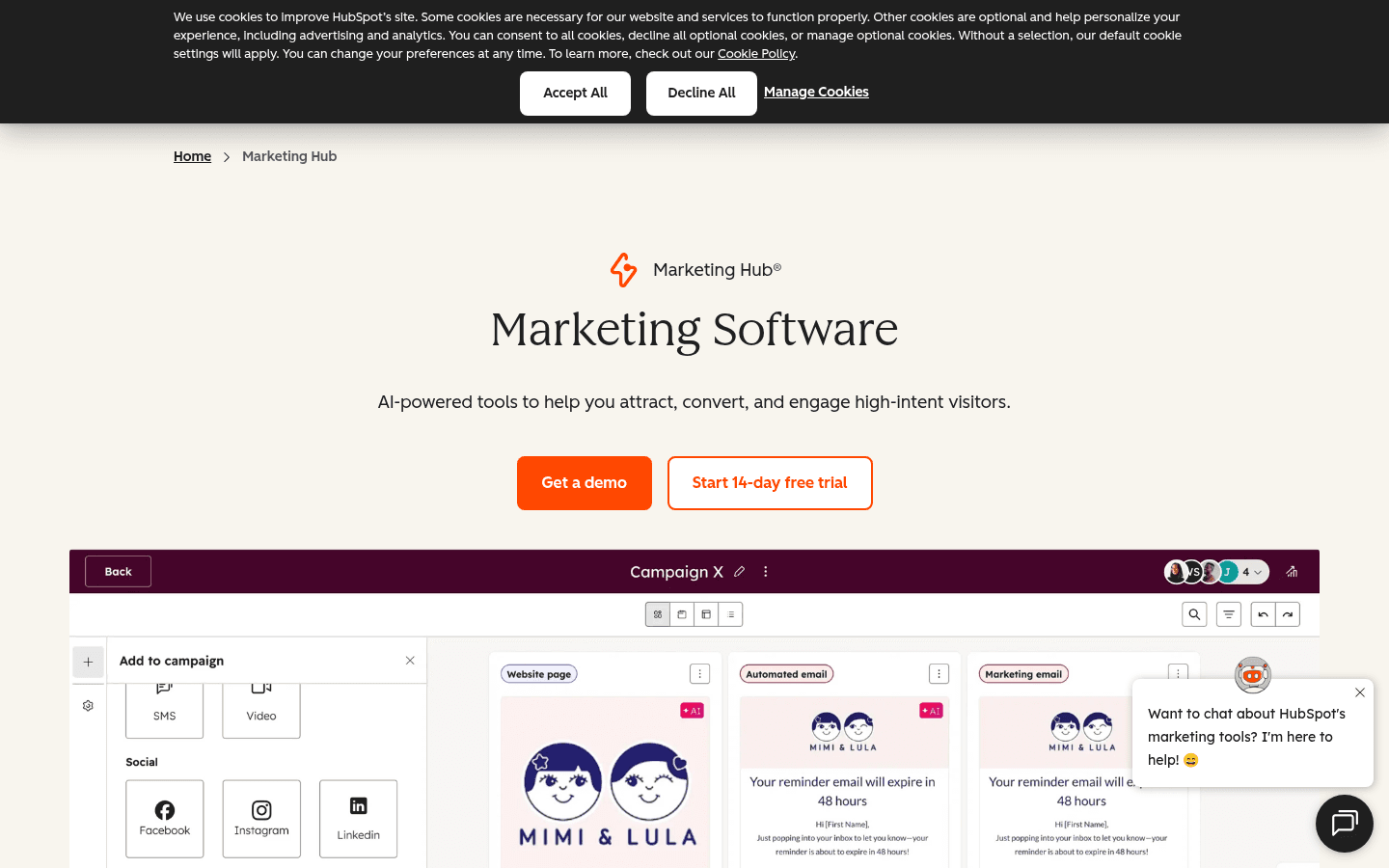
Choose HubSpot when the sales motion repeats, several people touch the same accounts, and missing context has become expensive. Do not adopt a broad CRM suite only to organize a handful of exploratory founder conversations. A spreadsheet or lighter pipeline can be the better fit until the stages, fields, and follow-up habits are stable enough to encode.
If the CRM is already chosen and the specific question is prospecting, enrichment, call analysis, or a different sales bottleneck, compare specialist sales tools instead of buying overlapping features. Compare AI sales tools by the job
Zapier: best for stable app-to-app workflows
Zapier is useful when the startup can describe a repeated trigger, the data that should move, and the action that should follow. Its AI offering spans automated workflows and agent-style experiences across a large app ecosystem. That makes it a practical integration layer for work such as routing a form submission, enriching a record, notifying a channel, or creating a task.
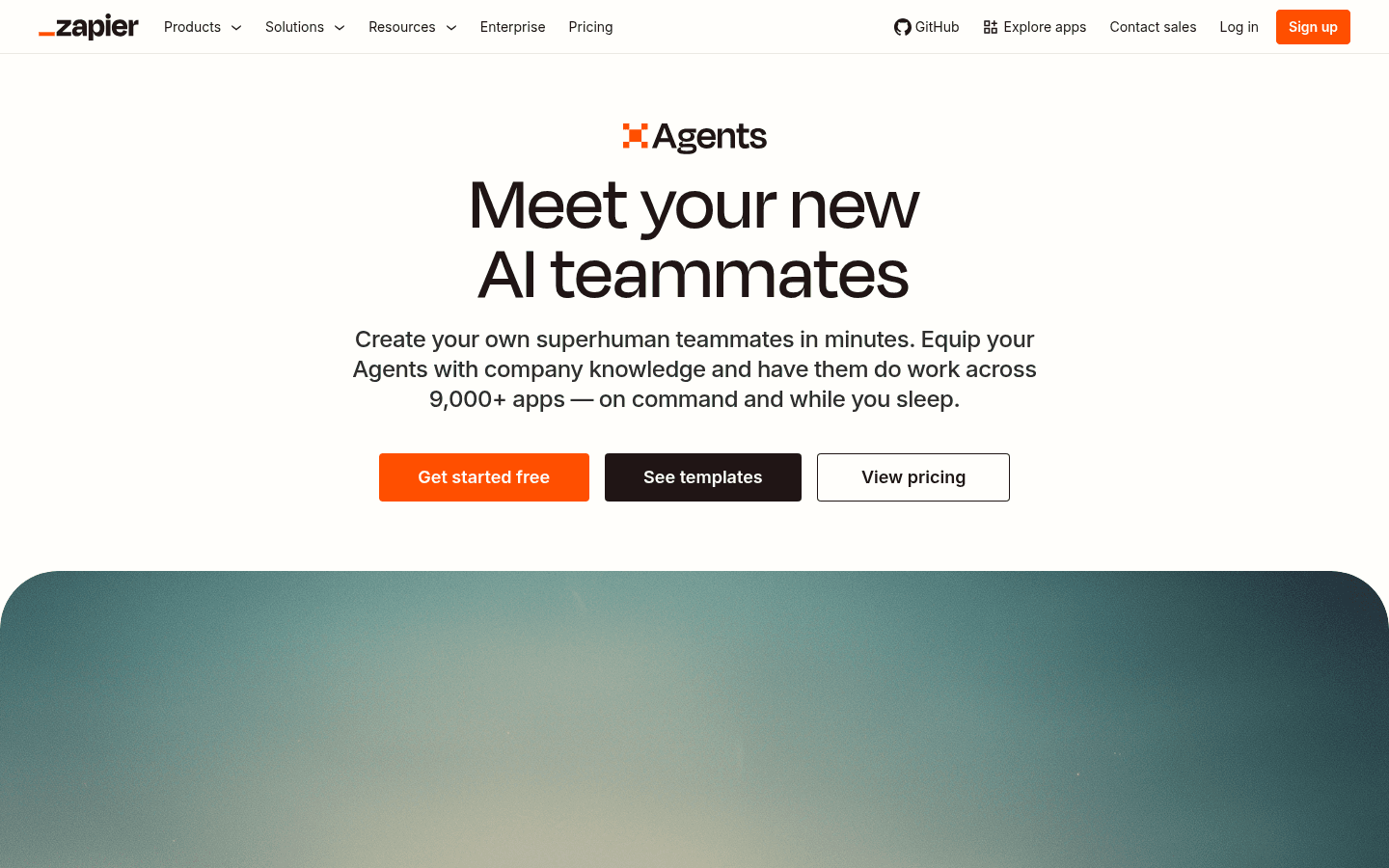
Choose Zapier when the process is already understood and the main cost is manual transfer. Avoid automating a process that changes every week or contains unresolved judgment. Automation makes a good workflow cheaper, but it also makes a bad workflow repeat faster. Keep approvals around customer messages, payments, permissions, and other irreversible actions.
If the question is broader than moving data between apps, compare marketing automation products by the work they actually own. Compare AI marketing automation tools
Tin Computer: best when growth work needs an owner
Tin Computer is different from the specialist tools in this guide. It is an AI growth agent for founders who need website, SEO, analytics, product-growth, support, and approved distribution work to keep moving while they manage the product roadmap. It starts from the project and its connected systems, diagnoses the next useful work, ships reviewable changes, and returns to the relevant evidence.
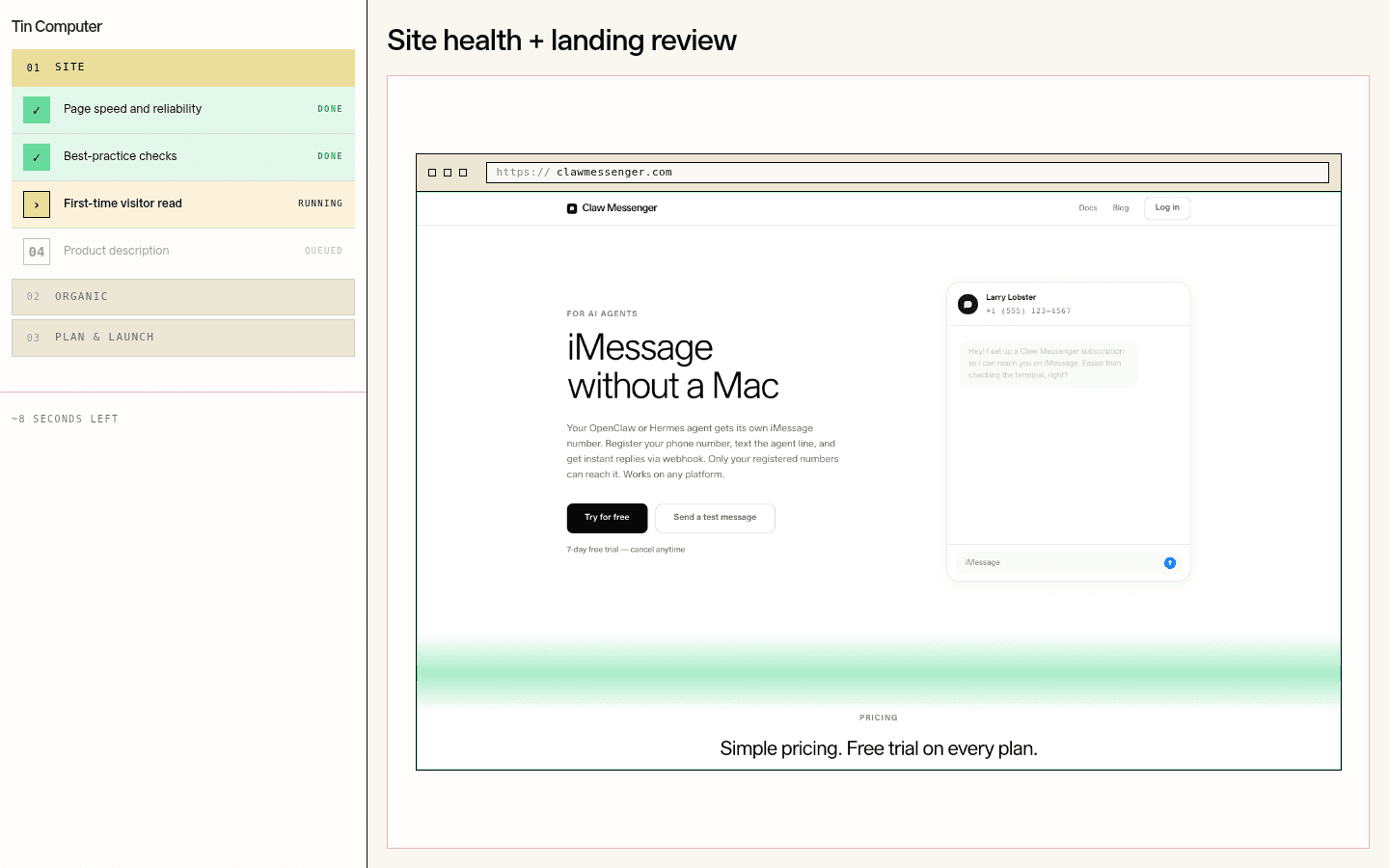
Choose Tin when the backlog crosses several functions and the founder is still the only person connecting them. A search opportunity may require research, a complete page, internal links, metadata, a code change, a release, and measurement. A support pattern may require reading the customer issue, tracing logs, fixing the product, and preparing a careful response. Tin is designed to own that continuity.
Do not choose Tin as a replacement for every product above. It is not a design canvas, product analytics database, CRM, or deterministic workflow builder. It works with connected specialists and keeps sensitive actions such as customer contact, commercial promises, ad activation, and spend behind explicit approval. The founder retains judgment while the repeatable work keeps moving.
A practical two-tool stack for four common startup stages
The right stack changes with the constraint. These combinations are starting points, not universal recipes. Keep the general assistant that helps with everyday thinking, then add the specialist that owns the next repeated result.
- Pre-product technical startup: ChatGPT or Claude for research and planning, plus Cursor for implementation in the real codebase.
- Launching a visual campaign: ChatGPT or Claude for the brief and copy, plus Canva for editable, on-brand production across formats.
- Finding product-market evidence: ChatGPT or Claude for synthesis, plus PostHog once a defined activation event has enough real use to analyze.
- Founder-led sales becoming repeatable: ChatGPT or Claude for preparation, plus HubSpot when customer context and follow-up need one durable record.
- Growth work repeatedly losing to product work: keep the specialists already in use and add Tin Computer as the accountable execution layer across them.
Evaluate the stack with one complete operating loop
Pick one real result that should finish this week. Use the shortlisted tools to move from input to output, then inspect the handoffs. A useful evaluation follows the work through review and measurement. It does not stop when the AI produces text, an image, code, a chart, or a workflow draft.
Startup AI stack evaluation
Run one real job and answer these questions before buying the next subscription.
- What source context did the tool use, and could the team verify it?
- What finished result did it produce inside the normal work system?
- Which steps still required copying information between products?
- Where did human judgment or approval remain necessary?
- Could another teammate understand and review what happened?
- What event, customer response, release, or business result will show whether the work helped?
- Which existing subscription or manual step can now be removed?
Sources used for this comparison
OpenAI: What is ChatGPT?
Official overview of ChatGPT for brainstorming, writing, planning, coding, and file or image work.
Anthropic: Meet Claude
Official overview of Claude for research, analysis, coding, document work, and creating prototypes.
Cursor
Official product information for coding agents, repository work, reviewable results, and software automation.
Canva Magic Studio
Official product information for AI-assisted visual creation and editing inside Canva.
PostHog Product Analytics
Official product information for events, trends, funnels, retention, paths, and product behavior analysis.
HubSpot for Startups
Official information about HubSpot's CRM-centered customer platform for startups.
Zapier AI
Official product information for AI automation, agents, and workflows across connected apps.
Tin Computer AI growth agent
Tin's owned description of diagnosis, cross-functional growth execution, connected systems, and approval controls.
Frequently asked questions
- What are the best AI tools for startups?
- The best AI tools depend on the job. ChatGPT or Claude fit general thinking, Cursor fits software development, Canva fits visual production, PostHog fits product analytics, HubSpot fits CRM-centered sales, Zapier fits app automation, and Tin Computer fits ongoing cross-functional growth execution.
- Which AI tool should a startup buy first?
- Most startups should begin with one general assistant such as ChatGPT or Claude, then add the specialist at the current bottleneck. A technical team may add Cursor, while a startup with real usage but weak product insight may add PostHog.
- How many AI tools does a startup need?
- A startup often needs only one general assistant and one specialist to start. Add another tool when a repeated handoff is clear, the product can own it, and an existing subscription or manual step can be removed.
- What is the best AI tool for building a startup product?
- Cursor is a strong fit for technical teams building inside a software repository. ChatGPT or Claude can help with research and planning. No-code teams may prefer the AI features inside their existing builder rather than adopting a dedicated coding environment.
- What is the best AI tool for startup marketing?
- Canva fits visual production, HubSpot fits CRM-centered marketing and sales operations, Zapier fits stable cross-app workflows, and Tin Computer fits ongoing work that crosses the website, SEO, analytics, product, support, and approval-gated distribution.
- Can AI tools replace startup employees?
- AI tools can remove parts of a role, increase throughput, and own bounded workflows. They do not remove the need for founder judgment, customer relationships, brand direction, security review, or accountability for high-stakes decisions.
- How should a startup evaluate an AI tool?
- Run one real task from source context to reviewed result. Check accuracy, handoffs, permissions, editing time, integration with the normal work system, and the event or business result that will show whether the output helped.
- When is an AI tool not worth buying?
- Do not buy it when the job is rare, the process changes every week, the team cannot name the finished result, the tool duplicates an existing product, or nobody will act on its output.
- What is the difference between an AI assistant and an AI agent for a startup?
- An assistant mainly helps inside a conversation. An agent can continue through a bounded workflow, use connected tools, preserve project context, and return a result. The important difference is not the label but how much of the real job it owns safely.
- Should startups use one AI platform or several specialist tools?
- Use one platform when it owns the team's daily system of record and the required jobs fit naturally inside it. Use specialists when each has a distinct job and someone owns the handoffs. Avoid overlapping products with no clear source of truth.
Point it at your site. Watch it ship.
Paste your domain for a free diagnosis. Tin Computer reads the site, finds the next growth work, and shows what it would ship. No card.
Claude Code · Codex · Cursor