
Audit public pages
Check technical SEO and AI visibility, with findings saved for the next job. View audit workflows
Home/Platform/SEO Agent That Delivers Changes as Pull Requests
Tin is an SEO agent that audits your site, researches keywords and delivers site changes as pull requests. We connect it to your repository and run the weekly SEO work, giving your engineers changes they can inspect and merge through GitHub.

An SEO agent carries out search work using AI, from reading pages and researching keywords to preparing edits. There are different ways to put those edits on a site. An agent can write into the CMS, suggest copy in a chat for someone to paste, or deliver a pull request to the site's repository. Tin uses the pull-request route for site changes.
The useful comparison is whether the team can review and undo each change. CMS edits depend on the site's controls; chat suggestions are transferred by the person handling them. A pull request records the proposed change for the owner to inspect and merge. Tin provides the SEO jobs through MCP, so the coding agent already in your repository can call them as it works.
An agent edits a title, redirect or page on the live site, and an engineer has to find out what changed afterwards.
A proposed change can be checked before publication, while the current page remains on the site.
The report and keyword inventory sit beside the proposed page work. We can trace an edit back to the finding that called for it.
Tin reads up to 100 public pages in an audit. It checks technical SEO and whether AI answers mention, cite or recommend the business, then saves its findings and evidence in project Files. The site is unchanged by the audit. We use the report to consider what needs work.

The research job starts from buyer searches and competitor keywords, with a bounded sample of live Google results. Search Console is optional and adds your site's own queries. The owner sets a ceiling for paid data. Each inventory entry keeps its evidence for us to read when choosing page opportunities.
We deliver site changes through a GitHub pull request for the owner to merge. An engineer can read the edits together, using the same review route as a code change. The proposed work has a record in the repository before it becomes part of the site buyers visit.
Tin saves the inputs and schedule with each recurring job, and handles the timers and retries when it runs. The Week view shows the scheduled work in the project. We use those jobs for ongoing research and reporting, so the next run starts from a task already defined.
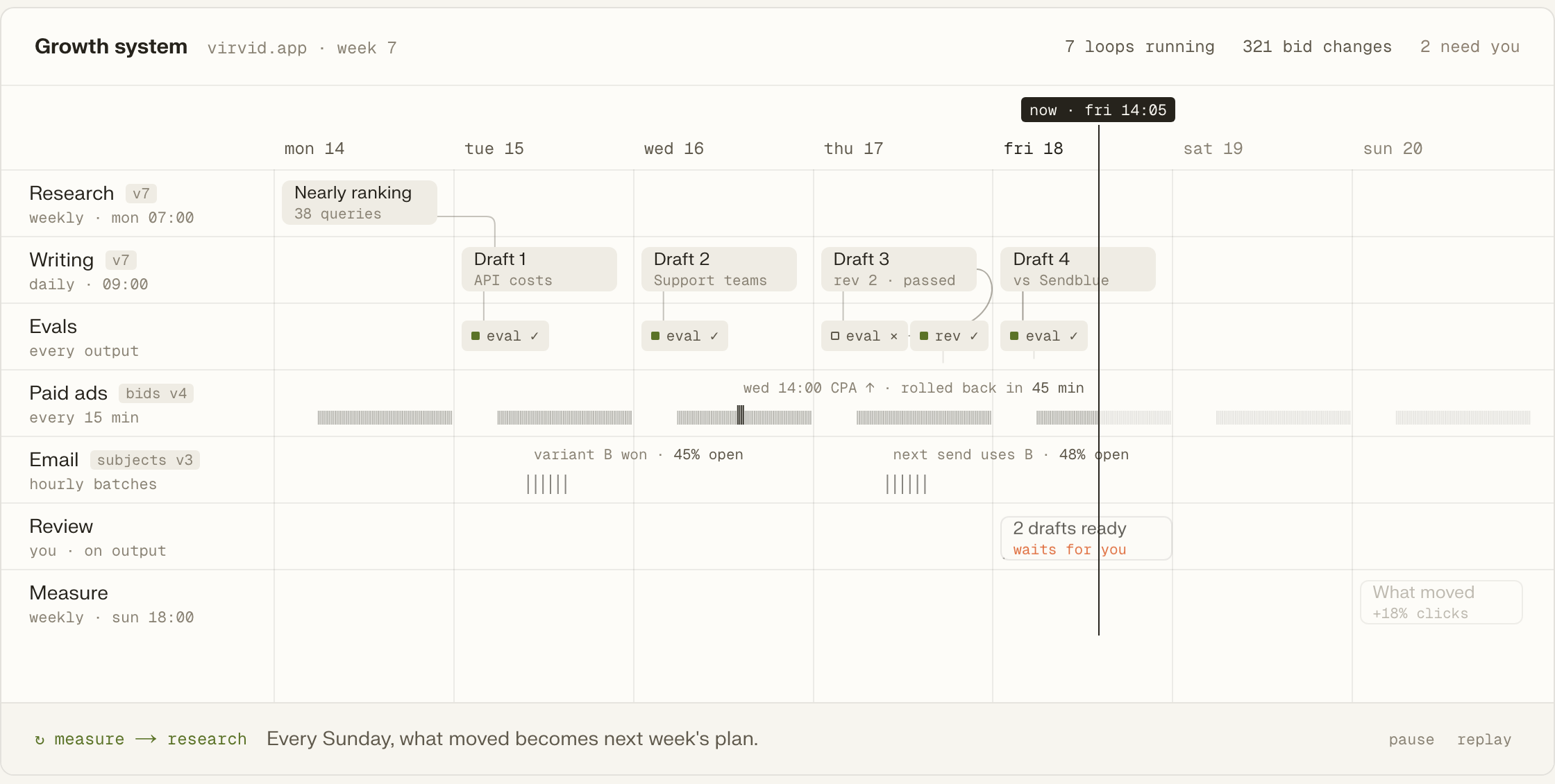
Findings, plans and drafts remain plain files with git history. The team can open an earlier report, read the keyword evidence and follow revisions to the page draft. That record keeps the reasoning available when another engineer picks up the site work or a later run needs earlier research.
Check technical SEO and AI visibility, with findings saved for the next job. View audit workflows
Research keyword opportunities around the product, market and people likely to buy. View keyword workflows
Rework an existing page using the research already saved in the project. View page workflows
Draft pages around the errors people search for while using a product. View error-page workflows
Prepare requests where another site mentions the company without linking to it. View backlink workflows
Follow competitors so changes in their pages can inform later SEO work. View competitor workflows
A public URL is enough for the audit. When we move to site changes, the outward-facing marketing repository is the usual place to begin.
Add Tin through the command below to run the audit from a coding agent; the browser opens the same project.
codex mcp add tin --url https://app.tin.computer/mcpThe outward-facing repository keeps the initial work on the pages that explain and sell the product.
Our people set up the project and take on its recurring research, writing and changes to the site.
Read a job's folder to inspect the instructions, inputs and evaluations used for its output.
Tin can use your team's keys and data in an installation on its own machine.
The workflow file can be edited to change the task called by the coding agent.
Open source, Apache 2.0.
Let's discuss the SEO work we could run from your site's repository. We handle setup, the weekly jobs and the choices behind proposed edits; the code stays with your team.
The audit works on a public site without a GitHub connection. It reads the pages and saves the findings in the project. The site-change route described here uses GitHub, so we would discuss your publishing setup before choosing how to carry the findings into changes on a CMS site.
Each audit checks up to 100 public pages. It is sized for a startup or product site, and covers technical SEO plus whether AI answers mention, cite or recommend the business. The resulting report includes the evidence behind its findings, so the next task can start from a specific page problem.
Paid data is fetched during the job under a cost ceiling you set. That applies to keyword and search-result research; Search Console can also supply your site's queries when connected. The job saves the inventory and its evidence, which we use when choosing searches worth addressing with a page.
Claude Code can run Tin through MCP, so the two work together. Tin supplies the SEO job, its live data, schedule and project memory. That leaves a record the agent can read on a later run. We set up and run the work around that record for your site.
Talk with the founders and engineers who set up the SEO jobs and run them. We can discuss which audit findings deserve attention first and how proposed site changes would reach your engineers through GitHub.