
Review the project
Bring the project's work into a weekly brief for the next discussion. Browse workflows
Home/Analytics/Marketing Analytics Tools That End in a Decision
Among marketing analytics tools, Tin gives your coding agent a PostHog brief to use when deciding what needs work. The decision is to ship a change, repair measurement or wait. Our people can set up that reading and discuss it with you weekly.

Marketing analytics tools record visits, traffic sources, events and signups, then show them in charts, funnels and reports. These views help a team follow what happens between a marketing visit and a useful action. A funnel shows where people leave a sequence of steps. Paths and event histories show what happened around that point, giving the team evidence for the next page or product decision.
Web analytics shows visits and sources. Product analytics such as PostHog follows events and funnels. Ad and attribution reports help a team examine campaign activity. Tin adds a workflow that reads one PostHog project and writes a brief for deciding whether to ship, repair or wait. Compare these approaches by whether the reading ends with a decision someone can act on this week, with evidence they can check.
A dashboard shows a jump or a drop. Someone still has to connect that movement to a visitor, a journey and a possible change.
A brief with a written decision gives that review an end point and a next action.
Tin records how it reached each number. Event meanings, exclusions and queries stay available for checking the brief before acting on it.
The repository tells your coding agent which events the app fires. It uses that code to fill in what the events mean. Tin can then order the activation funnel around those definitions, showing the sequence that takes a person toward using the product.

Company visits and browser tests can be left out of the report. For example, ask Tin to exclude everyone using the company email domain. Those exclusions apply to the reporting period, so activity from your own team is kept separate when you read the response from other people.
A number in the brief has a query behind it, and that query comes with the report. You can inspect how a traffic count, trend or error signal was measured. When the team questions a conclusion, the calculation is there to examine alongside it.
Select one PostHog project for the reading. Tin uses bounded, read-only queries to produce the brief from that project, and saves the report for the team. The reading can run on a schedule, ready to consult when a product or tracking change needs a decision.
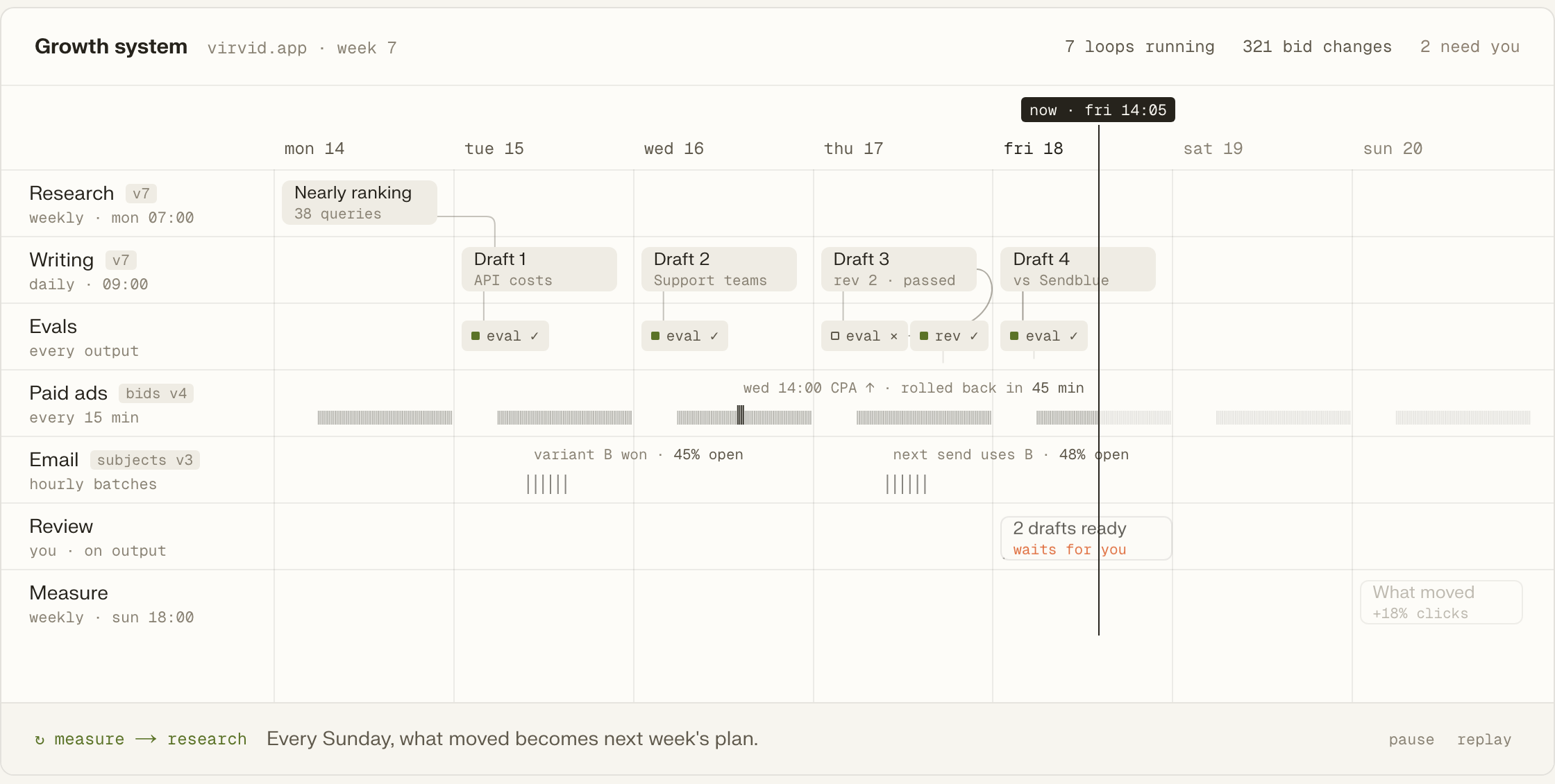
The review ends by choosing whether to ship a change, repair measurement or wait. It also states the condition for leaving the product as it is. If the run measured nothing, the brief records that fact, so the team can see what the reading could establish.
Bring the project's work into a weekly brief for the next discussion. Browse workflows
Build a paying-customer segment from Stripe to inform the next outreach work. Browse workflows
Use Google Ads campaign check-ups to examine paid search alongside other work. Browse workflows
Check technical SEO and AI visibility with findings and supporting evidence. Browse workflows
Run a feature audit to examine the product alongside the analytics reading. Browse workflows
Read PostHog on demand, daily or weekly, according to the question. Browse workflows
Choose a recurring question about the product. Tin can read the selected project on a schedule and save the brief for that discussion.
Add Tin to Codex, then ask for a weekly PostHog brief excluding everyone on the company email domain.
codex mcp add tin --url https://app.tin.computer/mcpLet the agent read the code and identify which event means signup, so the funnel follows the product's definitions.
Run the brief before a specific decision, or set a daily or weekly schedule for the recurring review.
Open its folder to inspect the steps, data it reads and actions it is allowed to take.
Edit the PostHog brief's file to ask different questions, then send it back.
Your team can also run the system on its own machine, using its own keys.
Open source, Apache 2.0.
We can set up the analytics and conversion tracking, separate agent traffic and check the funnel. Let's discuss how a weekly reading with our team could help settle your next decision.
It reads the selected project through bounded, read-only queries and writes its report in Tin. Nothing is sent outside Tin. The team can inspect that report and its evidence before deciding on a product change or a repair to the events being counted.
The brief works with PostHog Cloud in the US and EU. Each reading uses a single selected project, including its events, properties and definitions. The event mapping tells it what those events mean for the product, and exclusions let it leave company and test activity out of the counts.
Your agent can read the code to identify the events and fill their meanings into the mapping. If the captured events still cannot connect the relevant steps, the review calls for a measurement repair. That identifies the missing count or connection needed before judging the page or channel.
Yes. Supply the website hosts as an input and the brief can read that traffic over the selected reporting window. The same exclusions can keep team activity and browser tests out. Its figures come with the queries used to produce them, so the website reading can be checked too.
Meet the founders and engineers who set up Tin and run the analytics work. We can discuss the question your team needs to answer, which events could support it and how a recurring brief would fit the review.